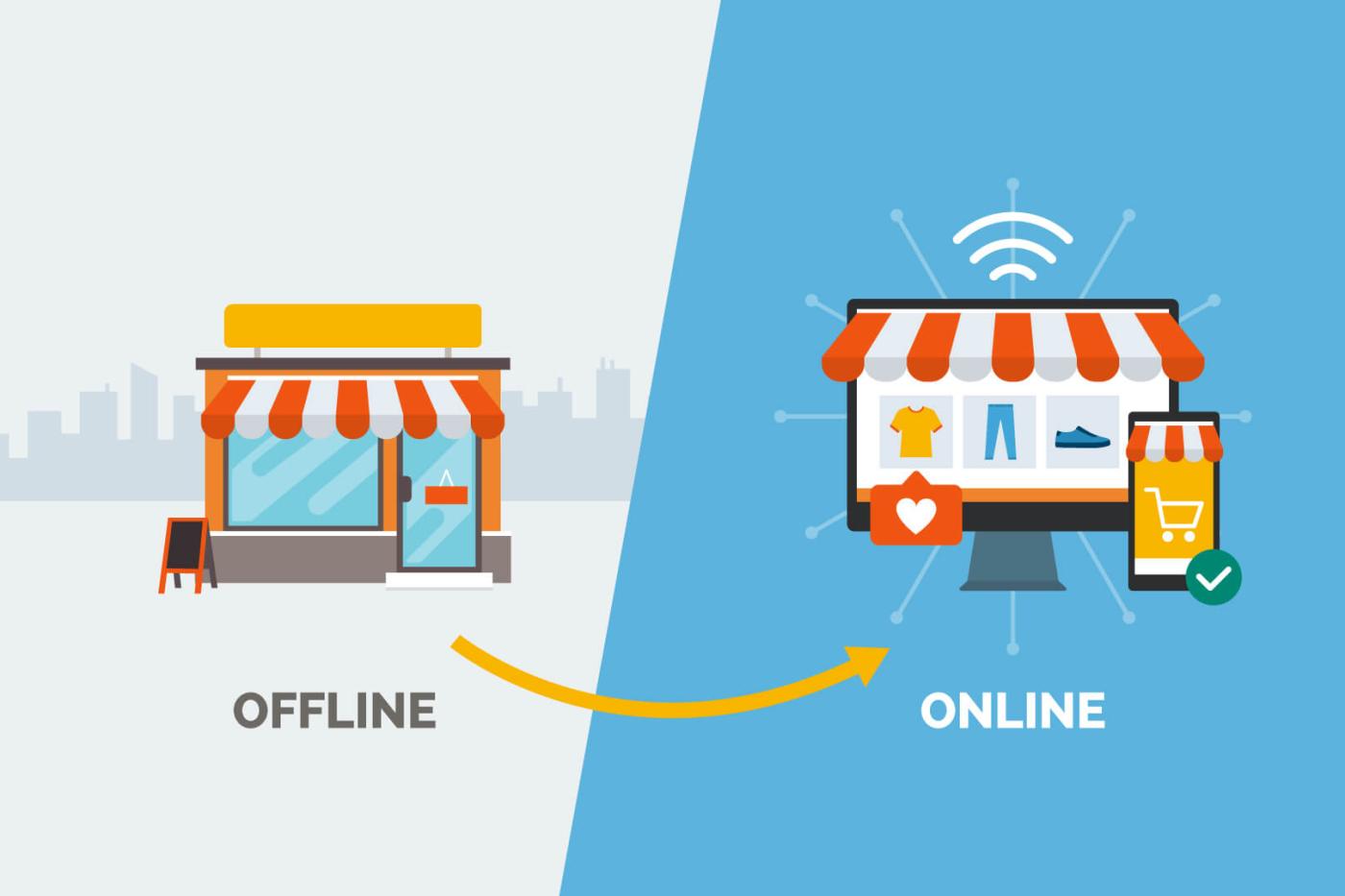
This argument is usually had as though one answer is modern and the other is backward. It is not that simple. Both have a failure mode, and choosing well means picking the one that suits your shop.
What offline gets right
It keeps billing when the connection does not. In an area with genuinely unreliable internet and no mobile signal worth using, that is decisive and nothing else matters much.
It is also familiar. The software sits on the computer, the way software always did.
What offline costs you
The data lives on one machine. If that machine is stolen, fails or is hit by a power surge, your sales history goes with it unless somebody has been taking backups, and in most shops nobody has.
You also cannot see the shop from anywhere else. Checking today's sales means being in the shop, and a second branch means a second, separate system that does not agree with the first.
- Backups depend on a person remembering
- One machine is a single point of failure
- Branches cannot see each other
What cloud gets right
Your data is not in the shop, so a stolen computer costs you a computer. Any device with a browser is a terminal. Branches share one system and one owner login sees all of them.
Updates happen without anybody installing anything, which in practice means the software you are running is the current one.
What cloud costs you
It needs a connection. That is the whole of it, and it is a real cost rather than a detail to talk around.
For most shops the practical answer is a phone hotspot kept ready, which costs very little and takes seconds to switch to. Whether that is acceptable depends on your area, and you know your area better than any vendor does.
Ask yourself which you would rather explain to yourself: an hour of billing on a hotspot, or a year of sales history that no longer exists.